

Youth Development
10 Event Planning Excel Template Free Downloads for 2026
Explore 10 Event Planning Excel Template Free picks for youth sports, covering logistics, schedules, budgets and volunteer rosters, with download links.

Match day starts long before the whistle. Every youth season runs on the same quiet workload: fixtures to confirm, kit money to collect, parents to coordinate and a tournament weekend to hold together. A free Excel event-planning template can carry much of that load, so coaches and parents spend less time chasing details and more time on development.
The UK events sector shows why structured planning matters. The UK Events Report 2024 estimated a combined contribution of £61.653 billion from meetings, conferences, exhibitions, business-travel meetings, incentive travel, and leisure and outdoor events, including festivals, music and sports. Youth fixtures are smaller, but they still involve venues, timings, suppliers, payments, attendance and safety decisions.
The free Excel templates below are judged against that real sports workload, not a corporate conference. Each entry explains what it does well, where it falls short and how to adapt it for a match, tournament, fundraiser or club social. Find the file that fits your next fixture, then customise it in an afternoon.
1. Smartsheet Free Event Planning Templates
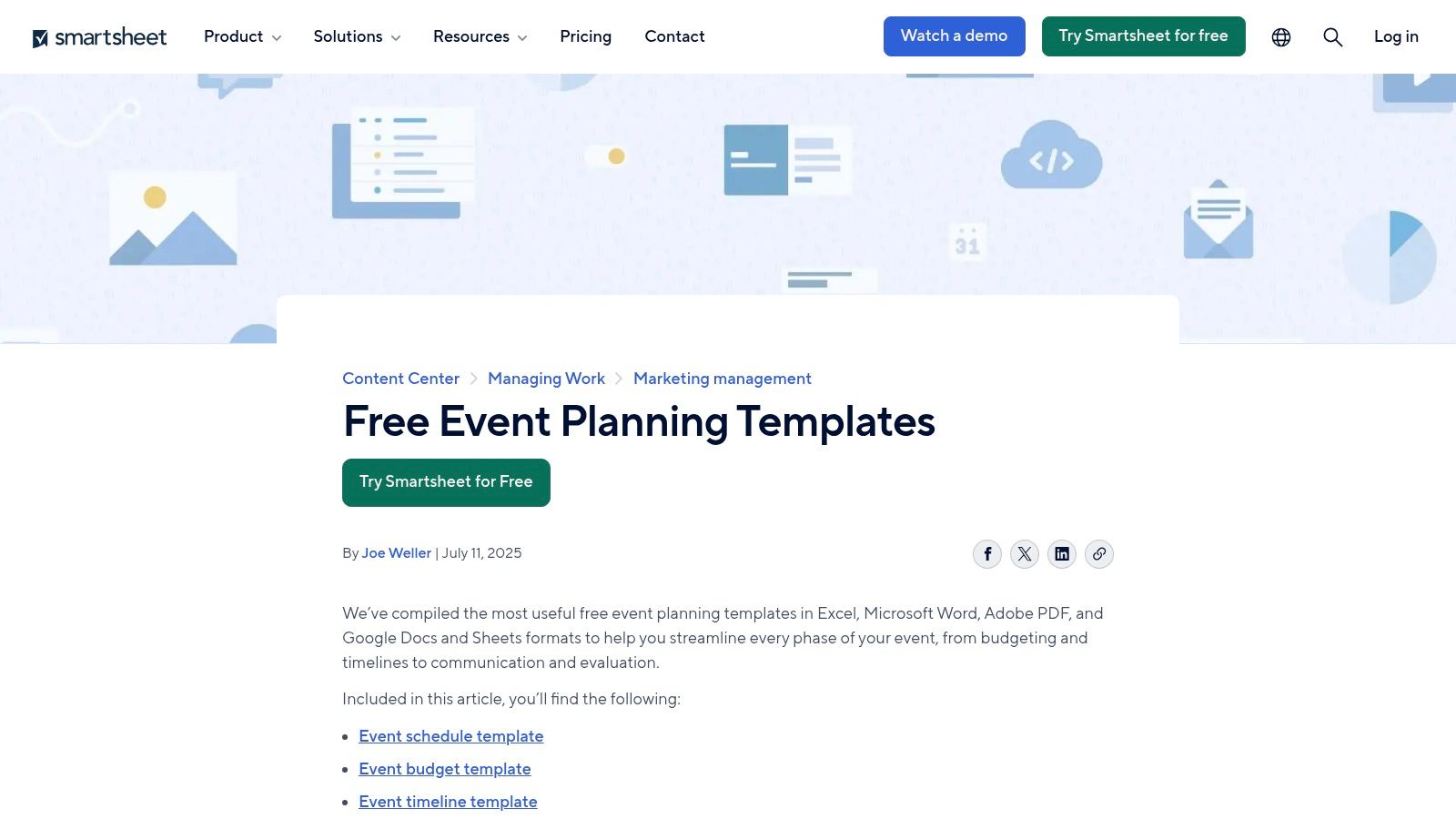
Smartsheet's free event planning templates offer the broadest starting point for a club that needs more than one worksheet. The library includes dedicated Excel files for event plans, budgets, timelines, staffing, RFPs and communications, with practical checklists for venues, suppliers and event-day run sheets. Separate budget and Gantt-style timeline files make it easier to split long-term preparation from match-day execution.
That range suits a tournament weekend particularly well. One workbook can track venue availability and pitch requirements, another can hold the budget, and a staffing sheet can assign registration, first aid, refreshments and equipment duties. Prebuilt formulas support budget variance tracking, which is useful when entry fees, referee costs or catering estimates change.
Sports adaptation and limits
Start by renaming corporate fields with sports terms. Replace “attendee” with “player or guardian”, “speaker” with “coach or official”, and “vendor” with “supplier or club contact”. Add columns for fixture status, changing-room allocation, kit collection and emergency contact responsibility.
Practical rule: Keep one master event file, then use a simplified match-day run sheet for volunteers who only need timings and duties.
The trade-off is breadth. Some files use corporate language and include Smartsheet branding, so a volunteer may need to remove irrelevant sections before sharing the document. For a fixture schedule and parent RSVP workflow, pair the workbook with this sports event schedule template. It's a strong library, but it can become overbuilt for one Saturday fixture.
2. Microsoft Excel Event Planner and Timeline Templates
For clubs already using Microsoft 365, the Microsoft Excel planner and tracker gallery is the most familiar place to begin. Its professionally formatted planners and timelines are designed around dates, milestones and printable views, so coaches can build a clear run-of-show without learning a new planning system.
The main strength is stability. A club secretary can open a template in Excel, change the event name, enter fixture dates and print a version for the clubhouse. Timeline layouts also make preparation visible, from booking the venue through confirming officials and sending parent communications. That familiarity matters in volunteer organisations where different people may take over administration during a season.
Customise it for a youth fixture
Create a copy before changing the original. Then make the first column the task, followed by owner, start date, deadline and status. Add a sports-specific milestone group containing:
- Fixture confirmation: Record the opposition, venue, start time and match status.
- Parent communication: Assign one person to send travel, kit and arrival information.
- Player readiness: Track squad selection, consent checks and attendance responses.
- Match-day setup: Add pitch access, equipment, first aid and changing-room tasks.
A useful companion is the BeeHive Mobile Bar service guide when a club is organising a social or fundraising event with refreshments. Microsoft's weakness is its lack of youth-sport guidance. It gives you a dependable framework, but you'll need to add RSVP, safeguarding and kit-money fields yourself.
3. ProjectManager Event Plan Template
ProjectManager's event plan template is built around ownership and deadlines. Its phase-based task tracker helps a club divide preparation into stages, assign each task to a coach, administrator or volunteer, and mark progress with statuses. A companion Gantt template is available for Excel, which gives organisers a visual view of how preparation moves towards the event date.
That structure works when a tournament has many contributors. The coach can own team readiness, the fixtures secretary can manage opposition communication, and a parent volunteer can coordinate refreshments. Each task has a clear place, which is better than relying on a long message thread where nobody knows who agreed to do what.
The sports-specific edit
Add a “team” or “workstream” column beside the owner field. Use values such as Coaching, Fixtures, Welfare, Kit, Finance, Catering and Communications. Then add a dependency note for tasks that cannot start until another task is complete, such as publishing match information before collecting travel confirmations.
The workbook is quick to start and doesn't require sign-up friction, but the Excel version has limited reporting. It also carries strong ProjectManager marketing, which may feel distracting in a simple club document. Don't use it as your only attendance or payment record. Use a unique registration ID, an owner and a last-updated date for each operational record, then move to a connected system when repeated manual updates become difficult.
For a wider youth-club approach, the youth sports events planner playbook can help turn the task list into a repeatable event process. ProjectManager is best when the biggest problem is accountability, not detailed player administration.
4. Neural Project Institute Event Planning Template and Checklist
A youth tournament can start with one fixture and quickly add officials, kit, food orders, transport and parent volunteers. The Neural Project Institute event planning template supports that growth through Beginner, Advanced and Expert versions. Each adds practical features, including budgets, vendors, statuses and dashboards, while dropdowns and sample data make the workbook easier to customise.
Choose the Beginner version for a presentation evening or small club gathering. For a tournament, the Advanced version can track officials, equipment suppliers, catering and volunteer teams in one place. The Expert version adds a dashboard and revision history, giving a committee a record of changes instead of relying on memory.
For a wider youth-club approach, the youth sports events planner playbook can help turn the task list into a repeatable event process.
Adaptation for coaches and parents
Rename the vendor tab Contacts and suppliers. Use it for referees, venue staff, transport providers and first-aid contacts. Replace generic statuses with Confirmed, Pending, Cancelled and Waitlisted, then add capacity checks for pitches, sessions and transport places. Conditional formatting can flag an activity that has more players or passengers than it can accommodate.
Add a kit-cost column beside each relevant task, with a named parent volunteer responsible for collection or confirmation. This links the event schedule to a common youth-sports workload, although the template will not replace a dedicated payment or attendance register.
Handle safeguarding data separately. Keep medical and emergency details in a restricted sheet, not on a shared volunteer dashboard. UK guidance recommends collecting only information needed for event administration, limiting access and removing personal data before sharing spreadsheets, as explained in the RNLI GDPR and data protection guide.
The resource has a smaller user community, so customisation may take longer. That trade-off can suit a club seeking one adaptable workbook rather than several disconnected files.
5. Vertex42 Event Budget Template
Vertex42's event budget template does one job clearly. It records income and expenses, compares budgeted figures with actual amounts and calculates category totals and variance. It also works in Excel and Google Sheets, which helps clubs where the treasurer uses a different tool from the coach.
For a tournament, create income lines for player entry fees, sponsorship, refreshment sales and fundraising. Add expense lines for pitch hire, officials, equipment, medals, printing, food and refunds. Keep projected and actual figures separate, then record the payment date and person responsible for confirming each item.
What it handles well
The workbook is lightweight and easy for volunteers to understand. It's particularly useful when the club's immediate problem is knowing whether a tournament or awards night is financially viable. The clean structure also makes it easier to print a committee-ready summary without carrying a large task tracker.
Its limitation is just as clear. There's no integrated timeline, checklist, RSVP register or parent communication area. Don't force those into the budget sheet. Link to a separate event plan, or add a short “payment status” column only when it relates directly to a budget line.
A UK SME survey found that 47% of respondents used Excel or Google Sheets for accounting, compared with 42% using dedicated accounting software, according to Capterra's UK accounting software review. That familiarity makes Vertex42 practical, but protect formula cells and store the master version in a controlled shared location rather than circulating email attachments.
6. Spreadsheet123 Party and Event Budget Worksheet
Spreadsheet123's budget worksheets suit a club social, awards evening or fundraising night where the financial side is simple. Editable categories and cost fields let a volunteer enter expected income and expenses, while totals provide a quick budget-versus-actual view. The worksheets are also compatible with OpenOffice and Google Sheets.
This is the file to choose when you need something printable and immediately understandable. A parent volunteer can add room hire, decorations, food, raffle prizes and ticket income without learning a complicated workbook. Its utilitarian styling may not impress a committee, but clear figures matter more than decorative formatting.
Make it useful for sport
Add a “club activity” column so costs can be separated between the awards night, junior teams and fundraising activities. Add a payment-status dropdown with Pending, Part-paid and Paid, then use conditional formatting to highlight overdue amounts. Keep ticket or registration records separate from the budget if they contain personal information.
The clear drawback is that this is budget-only. It won't tell a coach who is bringing tables, when the raffle tickets need collecting or which parent has confirmed attendance. Use it alongside the guide to organising sports events, then create a separate task list for delivery.
For governance, don't treat a total as proof that the figures are correct. UK evidence reported that 17% of large businesses had suffered financial loss because of poor spreadsheet governance, while 78% said spreadsheets supported key financial decisions, as described in Thomson Reuters' spreadsheet governance review. A locked master, controlled input cells and a dated backup are sensible safeguards for even a small club event.
7. OfficeTemplatesOnline Event or Party Planner
OfficeTemplatesOnline's event or party planner keeps tasks, dates, contacts and cost notes in one straightforward Excel workbook. Its direct XLSX download works offline, which is useful for grassroots clubs that plan in a clubhouse, on a coach journey or at a venue with unreliable connectivity.
The simple layout is its main advantage. A club can enter the event date, list tasks, add supplier contacts and make quick cost notes without building a workbook from scratch. Printable tabs also make it practical for a parent volunteer who prefers a paper run sheet on event day.
Give the workbook a sports workflow
Replace the generic task list with four sections: Fixture, People, Equipment and Communications. Add a “confirmed by” column beside contacts, a “kit returned” field for equipment and a “parent message sent” field for communications. For a tournament, duplicate the venue and contact rows for each pitch or playing area so volunteers don't rely on one crowded notes cell.
The older design and limited automation are genuine limitations. There's less documentation than you'll find with larger template libraries, and it won't provide automated reminders, RSVP collection or payment reconciliation. It's also easy for two offline copies to diverge.
Use a filename that includes the event name and last-updated date, then store one master file in a controlled shared folder. Keep the printable run sheet separate from the participant register. Parents need arrival and kit information, while they shouldn't automatically receive every contact or safeguarding field.
8. PlanEvent Free Party Planning Template
PlanEvent's free party planning template takes a compact one-page approach. It centres on guest count, venue and setup, food and drink, décor, games and clean-up, with space for an owner, due date and budget. Blank and example versions make it fast to copy and adapt.
That format is a good match for a team barbecue, end-of-season celebration or small fundraising activity. You can see the main decisions on one screen, which helps a busy coach delegate work without sending volunteers through several tabs. It also prevents a common problem with large workbooks, where the person responsible for one task can't see the basic context around it.
Turn six decisions into a club event plan
Rename “guest count” to “players, guardians and volunteers”, then split the venue section into arrival, playing area and departure. Change “games” to “activities and awards”, and add a safeguarding or welfare task beside it. Use the owner column for named people rather than role names alone, so “refreshments” becomes a specific parent volunteer.
The one-page design isn't suited to a large or multi-day tournament. It has limited reporting and visualisation, and it won't manage detailed fixtures, multiple squads or a substantial registration list. Don't add dozens of rows until the page becomes unreadable. Move complex records into separate sheets and keep this file as the event summary.
It's also a useful planning prompt for inclusive events. Ask about access needs during registration, then keep confidential details away from the public run sheet. UK accessibility guidance recommends clear spreadsheet headers, no blank structural rows, avoiding merged cells and not relying on colour alone to communicate meaning, as set out in GOV.UK's spreadsheet accessibility guidance.
9. Events Authority Event Planning Checklist Template
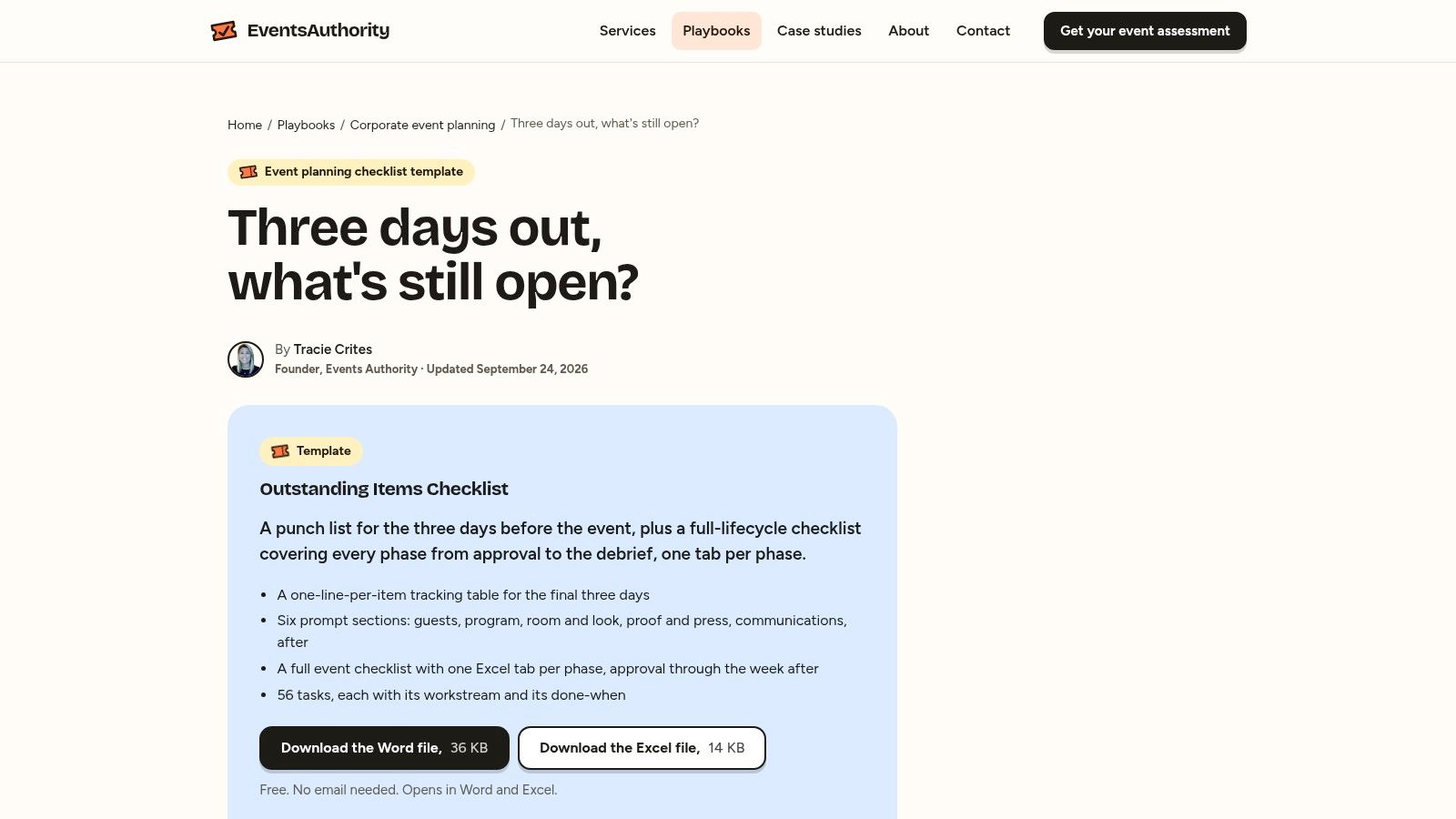
Events Authority's event planning checklist is strongest in the final preparation period. It includes a three-days-out punch list and a broader lifecycle checklist, with workstream tags and “done-when” definitions that make tasks more precise.
That focus fits match-day readiness. “Check equipment” is vague, but “confirm bibs, balls, first-aid kit and match paperwork are packed” gives a volunteer a clear finish line. A checklist can also expose work that gets forgotten when the coach is focused on player development, such as signage, refreshments, changing-room access and post-event clean-up.
Build a tournament-ready version
Create workstreams for Coaching, Venue, Officials, Welfare, Travel, Kit and Finance. Add columns for owner, deadline, status and evidence of completion. On the final-days tab, include confirmation of pitch markings, weather communication, player availability, emergency contacts, volunteer arrival times and the process for reporting a late change.
The downloadable Excel file is also available in Word, but the Excel version is better for filtering and assigning owners. Its weakness is that it's checklist-first rather than a complete planner. It doesn't include embedded budget formulas, and its scheduling detail is lighter than a timeline workbook.
Use it as the final operational layer, not the club's only event record. Keep the main budget and participant information elsewhere, and avoid putting sensitive medical details into a checklist shared with every volunteer. The best result is a short, readable run sheet that helps people act confidently when the venue gets busy.
10. SignMeUp UK Event Planning Checklist
SignMeUp's UK event planning checklist is a no-frills XLSX action list covering pre-event, event-day and post-event work. It's also available as a PDF and CSV, which gives clubs several ways to share tasks with volunteers or import the list into another spreadsheet.
The UK terminology makes it a comfortable fit for local clubs, school partnerships and community fundraisers. A secretary can share a compact version with volunteers, while the coach keeps a separate team sheet for selection and attendance. It's particularly useful when the club wants a basic structure without adding another platform or complex dashboard.
Adapt the list for match day
Add columns for Team, Owner, Due date, Status and Escalation contact. Split the pre-event section into fixture confirmation, player communication, kit and venue. In the event-day section, add arrival, warm-up, safeguarding, scoring, first aid and departure. Use the post-event area for equipment return, fee reconciliation, attendance review and a short coach reflection.
The limits are straightforward. There's no budget sheet or schedule view, minimal styling and little support for complex events. A multi-team tournament will outgrow the single action list quickly. Don't try to turn it into a full database by adding every participant detail. Keep it as the shared action layer.
For clubs building a broader process, sports event management provides a useful planning context. SignMeUp is best when the immediate need is a lightweight, shareable checklist that helps volunteers know what must happen next.
Comparison of 10 Free Event-Planning Excel Templates
| Template | Core features | UX/Quality (★) | Value/Price (💰) | Target (👥) | Highlights (✨/🏆) |
|---|---|---|---|---|---|
| Smartsheet – Free Event Planning Templates | Library: planner, budget, Gantt, checklists | ★★★★☆ | 💰 Free download | 👥 Club admins, tournament organisers | ✨ Broadest library, end‑to‑end coverage · 🏆 Practical for tournaments |
| Microsoft Excel – Event Planner & Timeline Templates | Professionally formatted timelines & planners, milestone tools | ★★★★☆ | 💰 Free with Excel / M365 | 👥 Microsoft 365 users, office‑centric clubs | ✨ Familiar UI & printing · 🏆 Stable, trusted source |
| ProjectManager – Event Plan Template | Phase‑based task tracker, owners, statuses, companion Gantt | ★★★☆☆ | 💰 Free Excel (SaaS upsell) | 👥 Club admins, volunteer coordinators | ✨ Clear task breakdown, quick start |
| Neural Project Institute – Event Planning Template & Checklist | Tiered (Beginner→Expert) tabs, dropdowns, dashboard option | ★★★★☆ | 💰 Free download | 👥 Admins who want scalable spreadsheets | ✨ Scalable complexity, expert dashboard |
| Vertex42 – Event Budget Template | Income vs expenses, auto variance, summary totals | ★★★★☆ | 💰 Free (Excel & Google Sheets) | 👥 Treasurers, volunteer bookkeepers | ✨ Trusted budget tool · 🏆 Reliable formulas |
| Spreadsheet123 – Party/Event Budget Worksheet | Editable categories, totals, quick budget vs actual view | ★★★☆☆ | 💰 Free; Sheets/OpenOffice compatible | 👥 Club socials, small fundraisers | ✨ Simple, printable, no learning curve |
| OfficeTemplatesOnline – Event or Party Planner (Excel) | Tasks, contacts, cost fields in one workbook, printable | ★★★☆☆ | 💰 Free XLSX download | 👥 Small clubs, offline users | ✨ Offline‑ready, easy to customise |
| PlanEvent – Free Party Planning Template | One‑page plan: 6 core decisions, owners, budget fields | ★★★★☆ | 💰 Free (Excel & Sheets) | 👥 Small teams, quick events | ✨ Fast setup, concise one‑page planner |
| Events Authority – Event Planning Checklist Template | Lifecycle checklist + 3‑days‑out punch list, workstream tags | ★★★★☆ | 💰 Free download | 👥 Operations leads, match‑day teams | ✨ Execution focus, definitions of done · 🏆 Operational readiness |
| SignMeUp (UK) – Event Planning Checklist | Compact XLSX, PDF/CSV exports, UK terminology | ★★★☆☆ | 💰 Free; region‑relevant | 👥 UK clubs & volunteers | ✨ UK‑specific language, easy import |
Pick One Template and Start Tonight
Choose the template that solves this week's biggest headache. If the problem is a tournament budget, start with Vertex42 or Spreadsheet123. If a fundraising night needs owners and deadlines, Smartsheet, ProjectManager or Microsoft Excel will give you more structure. If match day is close and everyone is asking what remains, Events Authority or SignMeUp can turn uncertainty into a clear action list.
Don't customise everything at once. Open a copy, rename the event and remove fields your club won't use. Add the five sports details that make the biggest difference: fixture status, player or guardian response, kit responsibility, volunteer owner and payment status. Then add a last-updated date so the next person can tell whether the information is current.
Protect the workbook before sharing it. A practical master file should use structured tables, controlled input cells, consistent dates such as YYYY-MM-DD, dropdowns for Confirmed, Pending, Cancelled and Waitlisted, and formulas that flag duplicate registrations, missing consent, over-capacity sessions and unpaid fees. Avoid merged cells in operational tables, protect formula cells and keep a backup before every major event.
Privacy needs equal attention. Youth clubs may handle information about children, guardians, coaches, volunteers and emergency contacts. Collect only what the event requires, restrict access to people who need it, separate medical or emergency details from the public run sheet and remove personal data before sharing a workbook more widely. A feature-rich template can create more risk if every optional field is completed without a clear purpose.
Accessibility belongs in the event plan too. Record access needs such as wheelchair access, sensory support, hearing or visual support, captioning, quiet spaces, accessible transport and dietary requirements. Track each need with an owner and confirmation status, but keep confidential details in a restricted sheet. An inaccessible registration form or spreadsheet can exclude a family before the first whistle.
The reason this effort matters reaches beyond administration. Sport England's Active Lives Children and Young People Survey reported that 49.1% of children in England met the Chief Medical Officers' guideline of averaging at least 60 minutes of daily sport or physical activity across the week in 2024–25, compared with 43% in 2017–18. Reliable scheduling and attendance records can help clubs provide consistent opportunities without turning participation into an elite-performance test.
A club should also offer more than one route into sport. A Youth Sport Trust survey of 1,002 young people aged 5–16, conducted from 12–26 March 2025, found that 58% had attended at least one before- or after-school physical-activity club during the previous six months, while 32% had represented their school at a sporting event or festival outside school. That supports a mix of training sessions, festivals, development activities and low-pressure events, especially for teenagers who may drift away from organised participation.
If your club keeps rebuilding the same workbook, chasing the same RSVPs and reconciling the same payments, the spreadsheet has reached its useful limit. Vanta Sports brings scheduling, RSVPs, fee management and attendance into one connected system for clubs, coaches, guardians and players. It's an option to consider when the operational workload is becoming as demanding as the sport itself.
Choose one template tonight, add your next fixture and assign every open task to a named person. When your club needs connected scheduling, RSVPs, attendance and fee management rather than another separate spreadsheet, visit Vanta Sports to see how its sports management platform supports administrators, coaches, guardians and players. Start with the next event, then build a repeatable process your whole club can use.
Tags